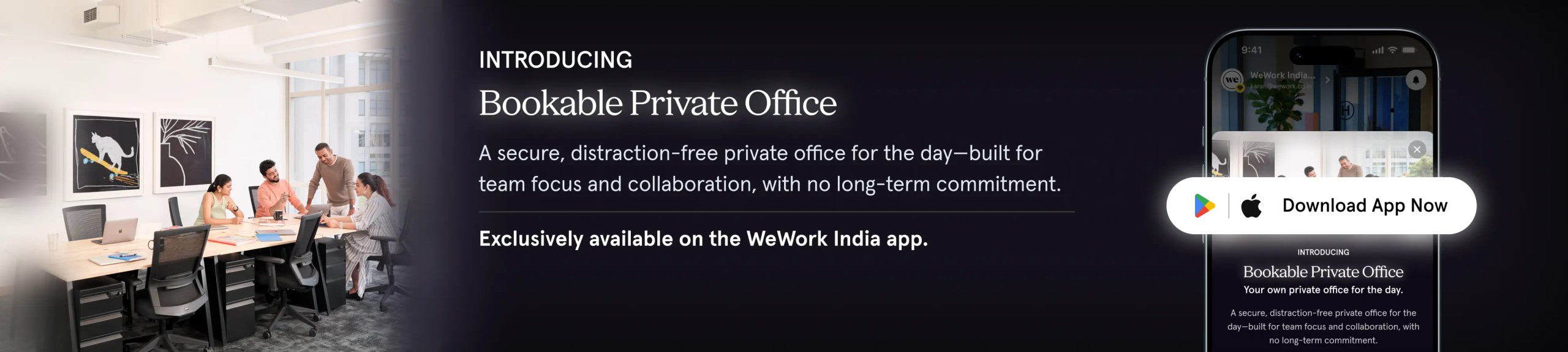
Bookable Private Office
Why book a Bookable Private Office with WeWork On-demand?
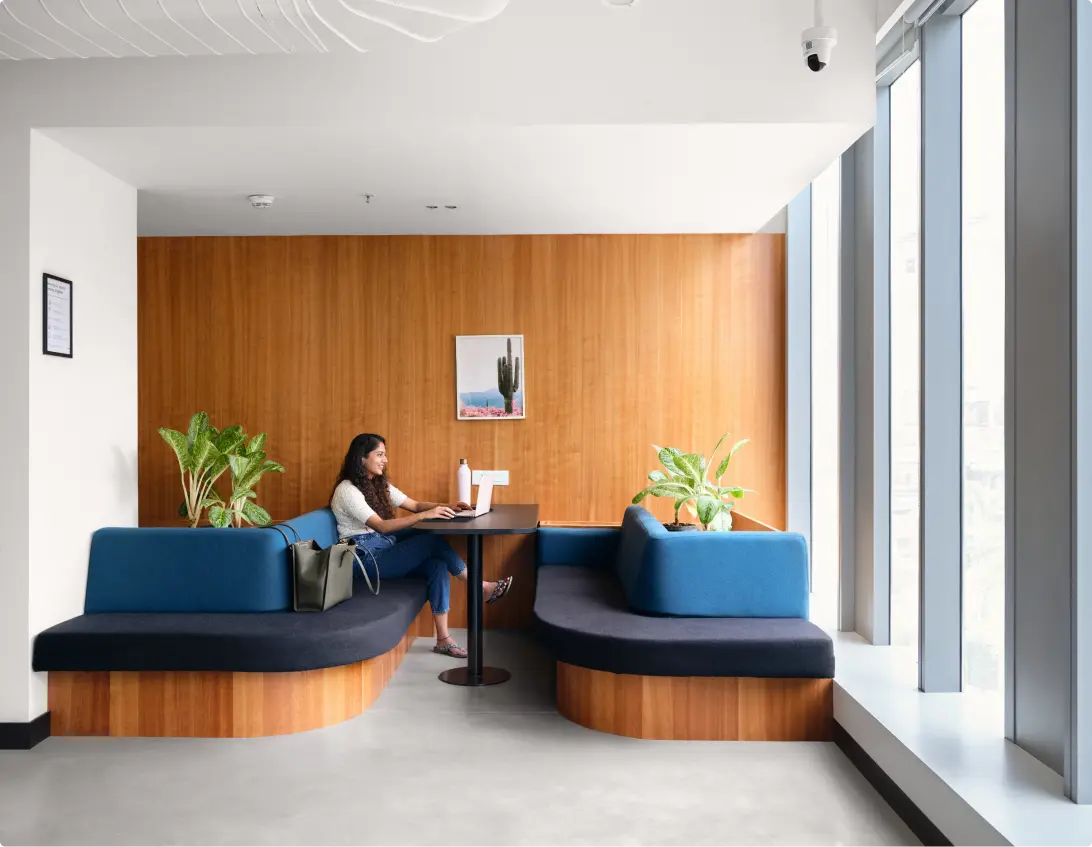
Why book a Bookable Private Office with WeWork On-demand?
An exclusive private office for your team, by the day
- Experience your own private office for the day, dedicated to your team.
- Step into a secure, distraction-free workspace built for focus and collaboration.
- All the privacy of a dedicated office, without the long-term commitment.
- Equipped with high-speed WiFi, printing facilities, and on-site support.
Why choose Bookable Private Office













Where can I find Bookable Private Offices in the app?
To book a Private Office on demand:
- Open the app home screen
- Go to Quick Actions
- Select Bookable Office under the On-Demand section
From there, I can browse available locations and offices.
How do I book a Bookable Private Office?
Once I open the Bookable Office section, I can:
- Select the city and building
- Choose the office size
- Select the date
- Review the price and booking details
- Confirm the booking and complete payment
Where can I see my upcoming booking?
After confirming the booking, it will appear in:
- Upcoming Bookings on the Home page
- My Bookings → Offices section
Can I cancel my booking?
No. Cancellations are not allowed for On-Demand Bookable Private Office bookings.
Once the booking is confirmed, it cannot be cancelled or refunded
Can I reschedule my booking?
Yes. I may be able to reschedule the booking once, depending on availability.
Rescheduling must be done before the booking start time.
How do I access the building after booking?
When I arrive at the building, I can visit the Community Desk at reception. The Community Team will assist me with check-in and guide me to my booked Private Office.
How do I access WiFi during my booking?
After arriving and checking in:
- I can connect to the building WiFi network
- WiFi credentials will be available in the app or provided by reception (for the order creator)
