
Available Spaces in Pune
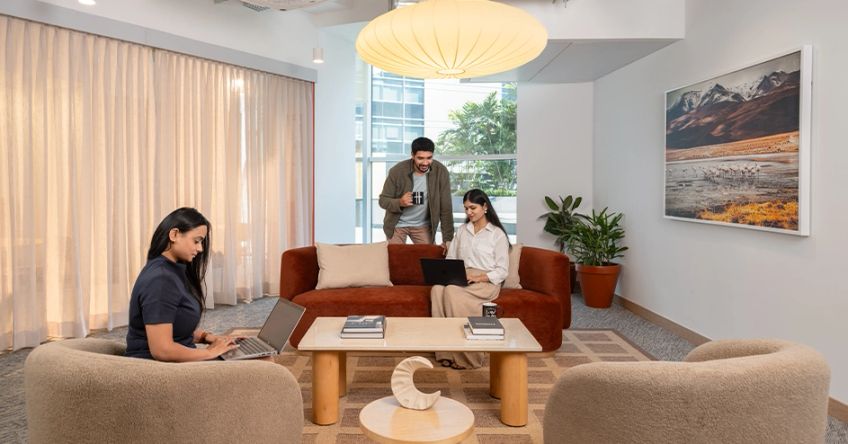
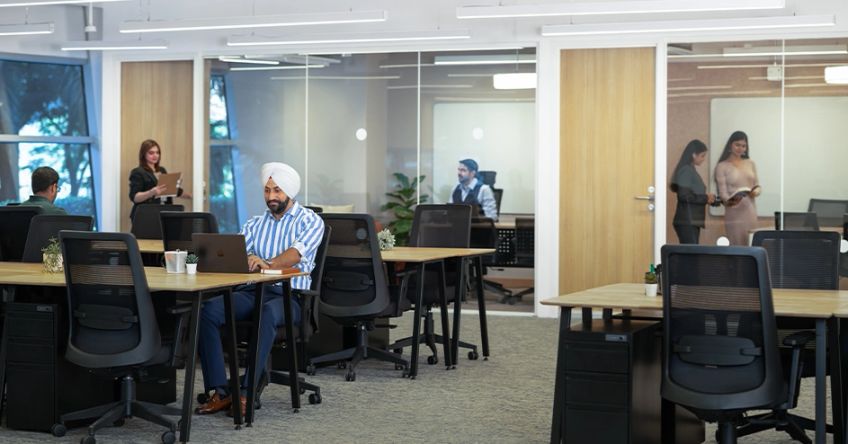
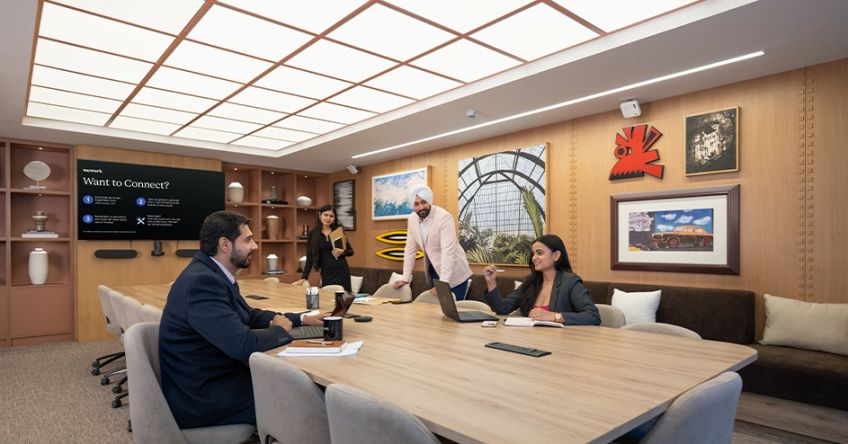

WeWork EON Free Zone
Mon to Fri: 9AM to 6PM
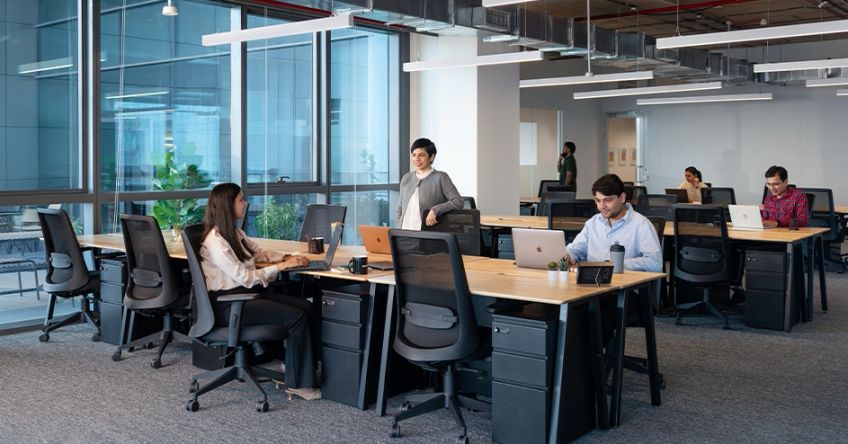
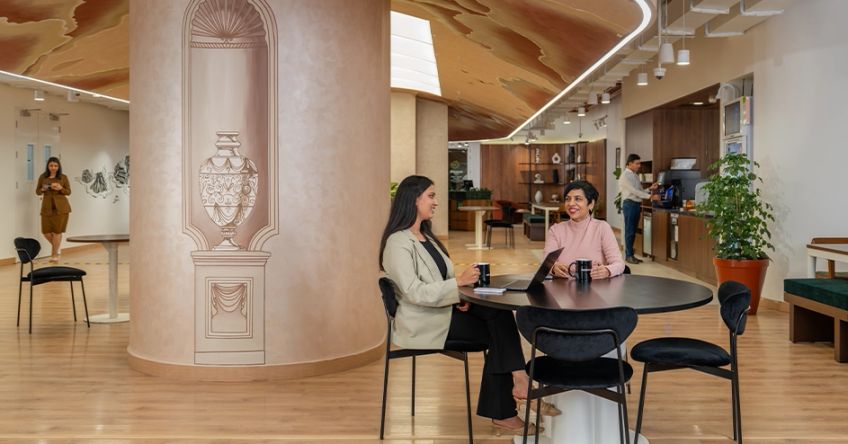

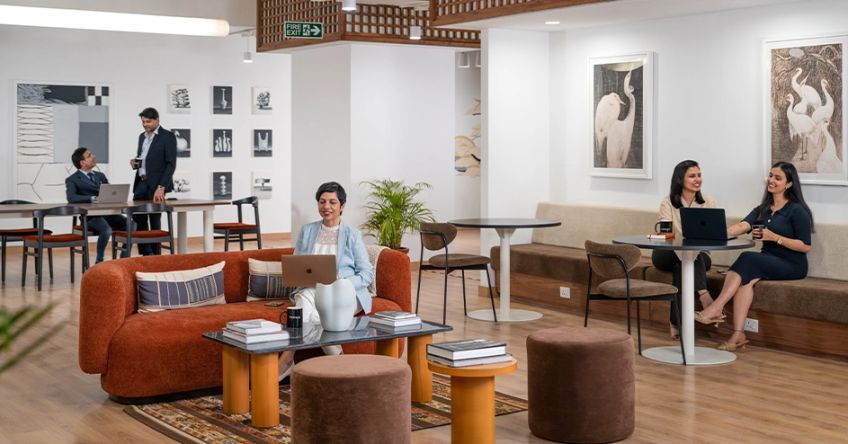
WeWork Gera Commerzone
Mon to Fri: 9AM to 8PM
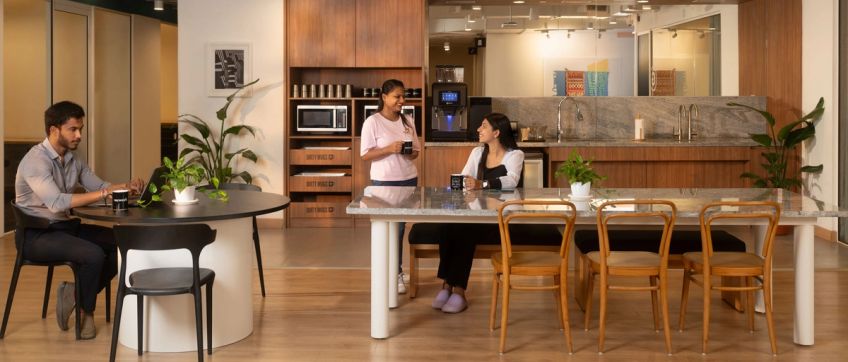


WeWork Raheja Woods
Mon to Fri: 9AM to 8PM; Sat: 10AM to 4PM

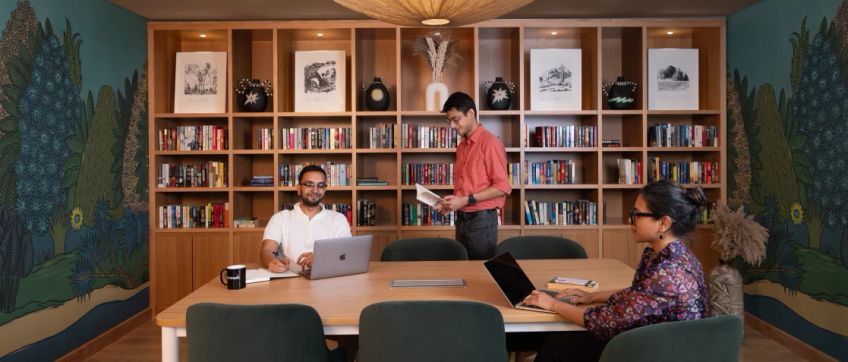
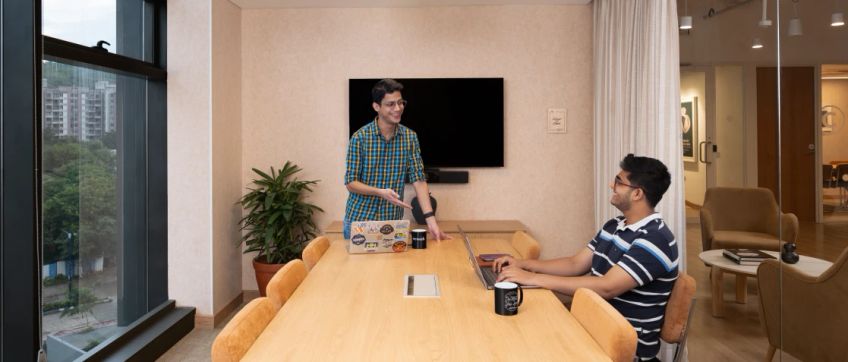

WeWork Eleven West
Mon to Fri: 9AM to 8PM; Sat: 10AM to 4PM


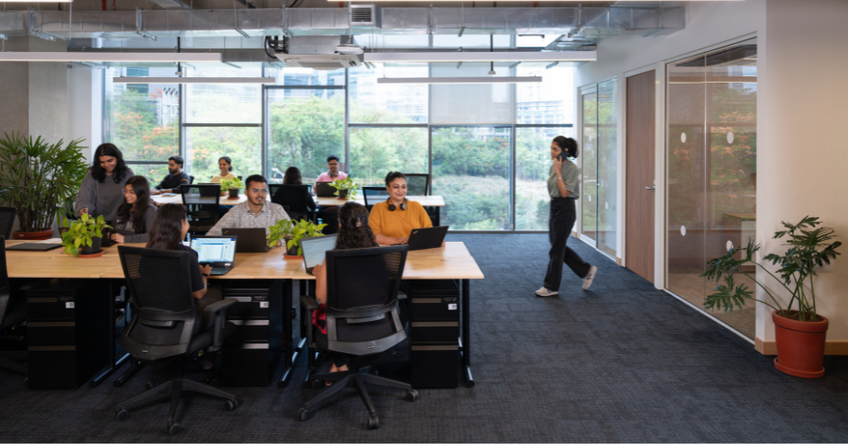

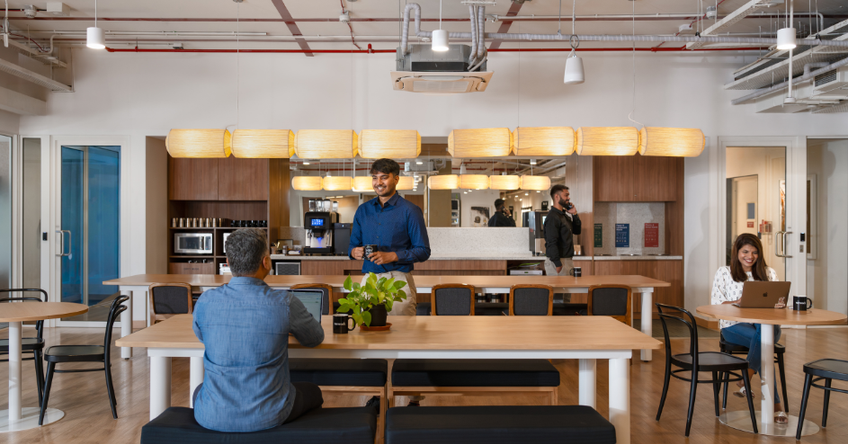
WeWork World Trade Centre
Mon to Fri: 9AM to 8PM; Sat: 10AM to 4PM
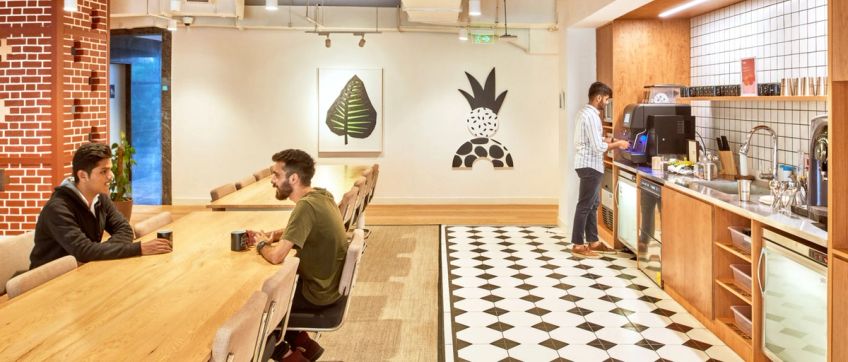
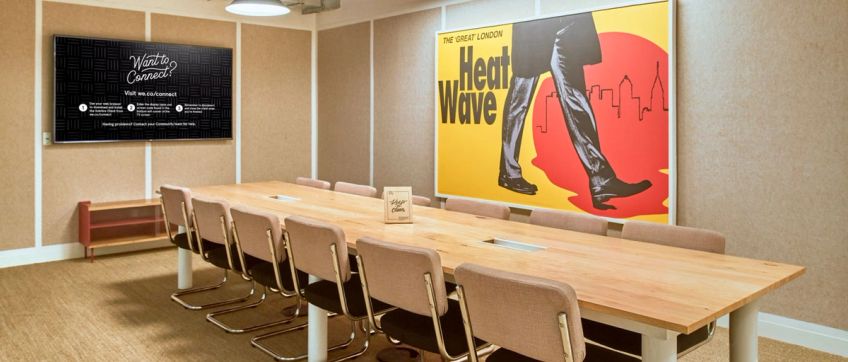


WeWork Futura
Mon to Fri: 9AM to 8PM; Sat: 10AM to 4PM


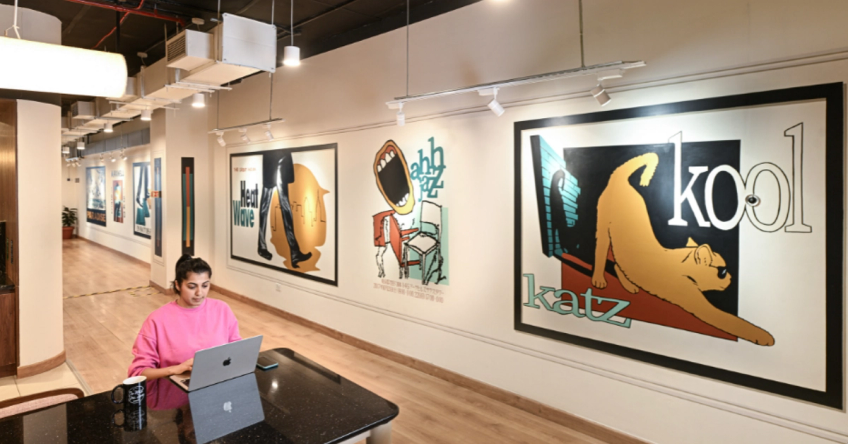
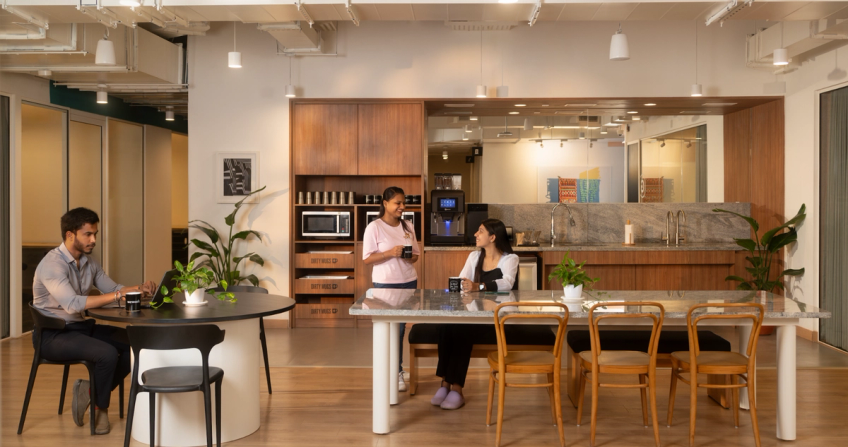
WeWork Amanora Crest
Mon to Fri: 9AM to 8PM; Sat: 10AM to 4PM
Plan your work week with day pass bundles
Buy multiple day passes and explore WeWork in Pune. Read moreRead less









Will I get my invoices through WeWork or myHQ?
Invoices are issued by myHQ since they process the payment. You’ll also receive a separate booking confirmation from WeWork India with your workspace access details and location information.
Who should I contact for questions about my bundle booking?
For booking, payment, or order queries, contact the WeWork On-demand support team at contactwwod@myhq.in. For on-site assistance, the WeWork Community Team at your selected centre will help.
How do I purchase a day pass bundle?
To purchase a day pass bundle:
1. Select your preferred city and WeWork centre.
2. Choose your bundle plan.
3. Complete checkout.
You’ll receive a confirmation email with your bundle details and next steps.
How do I redeem my day pass bundle?
Once you’ve purchased a bundle, log in to your account, select your city and chosen centre, and book a day pass using your available bundle credits at checkout. Carry your booking confirmation email when visiting the centre.
Do I need to use my bundle on consecutive days?
No. Day pass bundles offer flexible access and can be used on any eligible day within the bundle validity period.
Can I modify or cancel my bundle after purchase?
No. Day pass bundles cannot be modified, cancelled, or refunded once purchased.
What amenities are included with a day pass bundle?
A day pass bundle includes access to high-speed Wi-Fi, common areas, complimentary coffee and tea, and support from the WeWork Community Team. Parking and meeting rooms may be available at an additional cost, subject to availability.
Can I use my day pass bundle at any WeWork centre?
No. Day pass bundles are centre-specific and can only be redeemed at the selected WeWork location.
What bundle options are available?
Day pass bundles are available in 5-day and 10-day options. You can purchase multiple bundles based on your workspace requirements.
Can I use my bundle for team members?
Yes. Day pass bundles can be used for team members. When booking a day pass, you can make reservations on behalf of colleagues who will be accessing the workspace.
Where can I track my bundle usage?
You can track your bundle usage through My Account > My Credits.
What happens when I’ve used all my bundle credits?
Once all bundle credits have been used, you can purchase another bundle or book individual day passes to continue accessing WeWork workspaces.
What happens to day pass bundles purchased before March 1st, 2024?
The validity of the day pass bundles purchased before March 1st, 2024 is until February 28th, 2025.
What are the expiry terms for day pass bundles purchased after March 1st, 2024?
• 5-day bundles: Valid for 30 days.
• 10-day bundles: Valid for 60 days from purchase.
Validity may vary, kindly check product-specific terms at checkout.
Quick links
Available workspaces in Pune