
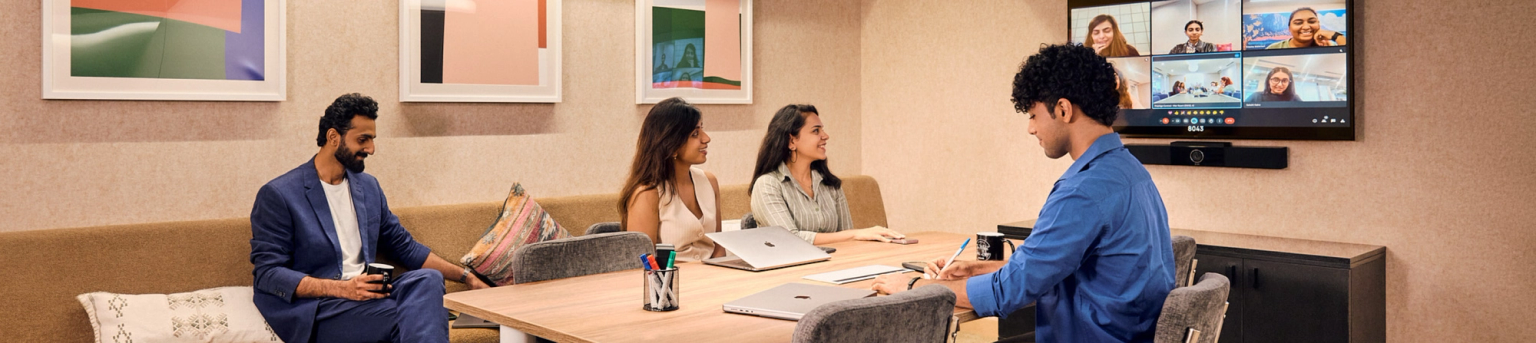
Pitch your next great idea in a conference room
Explore WeWork On-demand
Why book a conference room with WeWork On-demand?
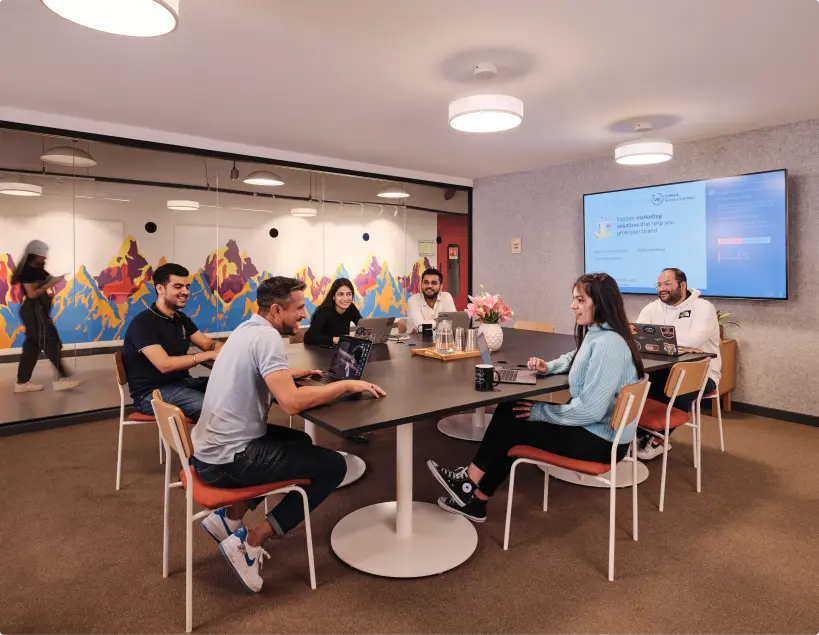
Why book a conference room with WeWork On-demand?
Explore a beautiful, fully-equipped conference room to impress and inspire
- Book conference rooms by the hour
- Ideal for a team of 2 or 20
- Fully-equipped with TV screen, whiteboard, video conferencing and more
- Book on-the-go, choose from our centres
Why choose WeWork On-demand











Easily book On-demand spaces
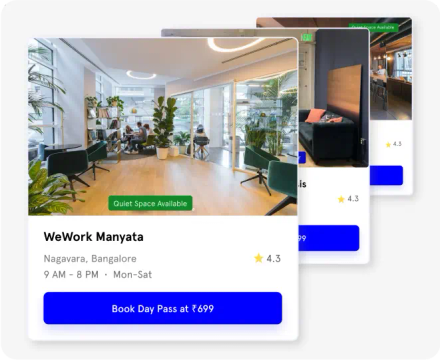
Select your space
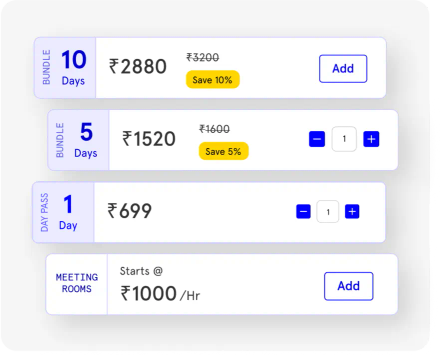
Customise your cart
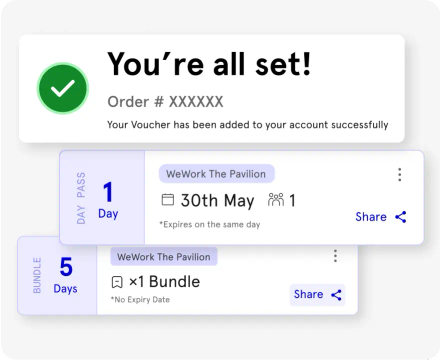
Pay and confirm
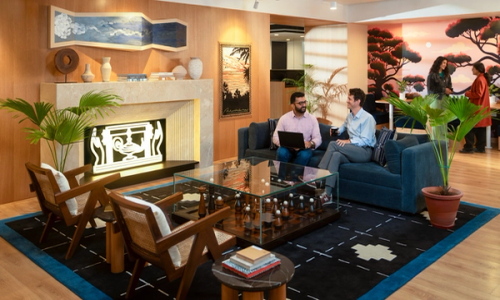
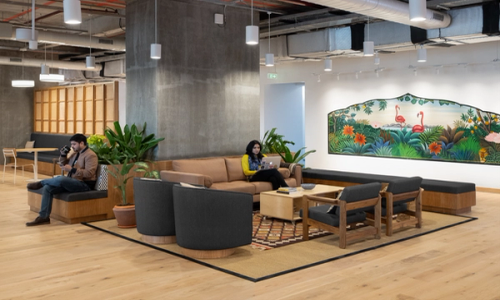
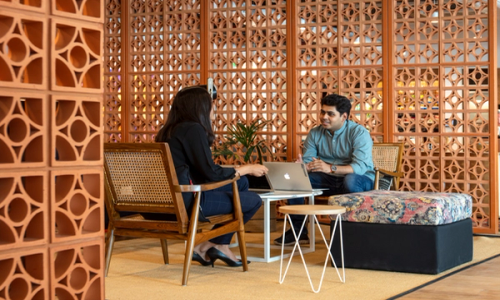
Choose from our centres across India



Is my On-demand booking affected in any manner?
All your existing and future WeWork bookings, memberships and orders do not get affected in any manner.
Will I get my invoices through WeWork or through myHQ?
Since the payment is being processed by myHQ, you will receive the confirmation and invoice from myHQ itself.
Who should I reach out to incase of any questions regarding my booking?
For any questions on your bookings, payments or orders, you can simply write to the dedicated WeWork specific myHQ support team at contactwwod@myhq.in.
Why am I receiving the WeWork On-demand bookings via myHQ?
We have partnered with myHQ as our technology partner to manage our entire on-demand business. Within the framework of this partnership agreement, WW day passes can be purchased both through the WW website and the myHQ app. In both cases, the sales and the booking process will be conducted by myHQ. Be rest assured, the transaction experience will continue to be seamless and secure for our customers.
How do I sign up for a conference?
To sign up :
- Select conference rooms
- Select your preferred city and centre
- Select your preferred date(s) and time(s)
- Complete the checkout process
You will receive an email confirmation once your booking has been completed
How do I access a conference room once booked?
When you arrive at the centre, just check in with a member of our Community Team. They will get you set up with a keycard which will be active 30 mins pre and post the allocated booking time. For all future reservations – don’t forget to carry the required documents which will be listed on an email that’ll be sent to you after you book a conference room.
Can I bring guests?
Guests are only permitted for those booking conference rooms (up to the quantity of the respective conference room)
How do I modify or cancel my booking?
Please reach out to contactwwod@myhq.in in case you would like to reschedule and the team will assist
What happens if I purchase day pass bundles before March 1st, 2024?
The validity of the day pass bundles purchased before March 1st, 2024 is until February 28th, 2025.
What are the expiry terms for day pass bundles purchased on or after March 1st, 2024?
The following expiry terms will be applicable for day pass bundles purchased on or after March 1st, 2024
- 5-day bundles: Expires after 30 days
- 10-day bundles: Expires after 60 days