
Available Spaces in Noida
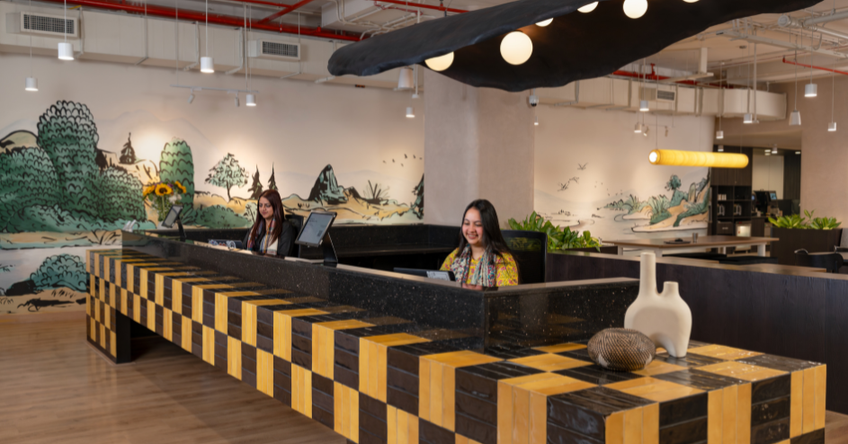
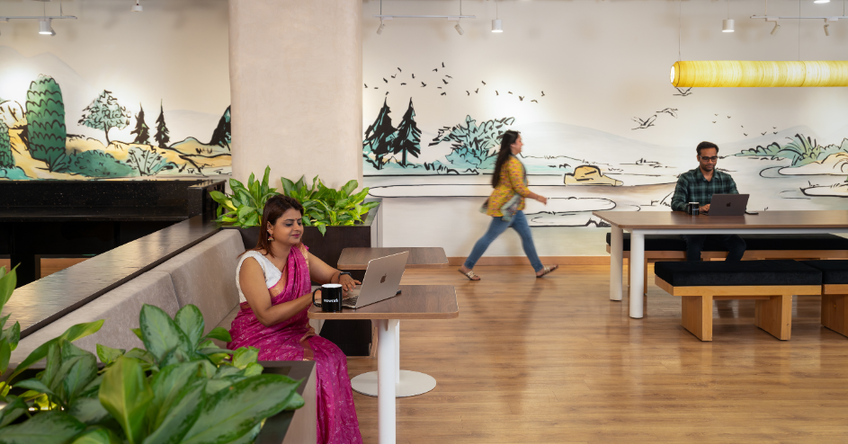
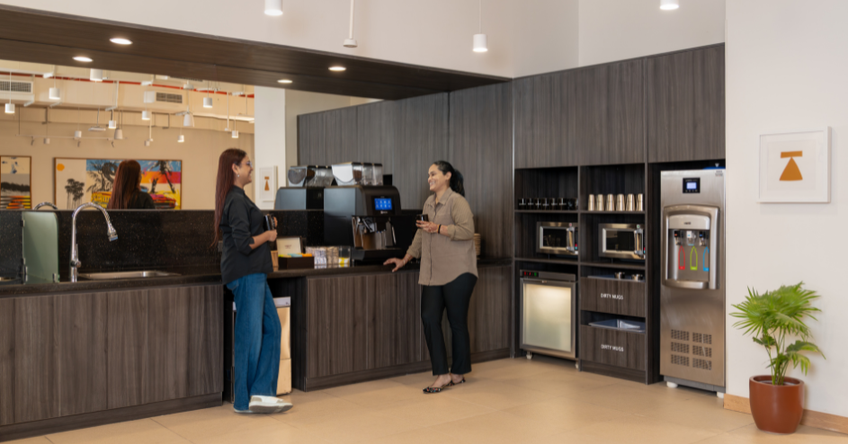
WeWork Galaxy Business Park
Mon to Fri: 9AM to 8PM; Sat: 10AM to 4PM
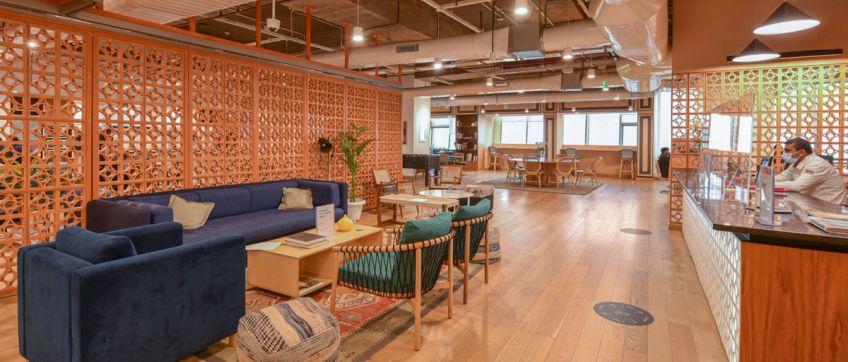
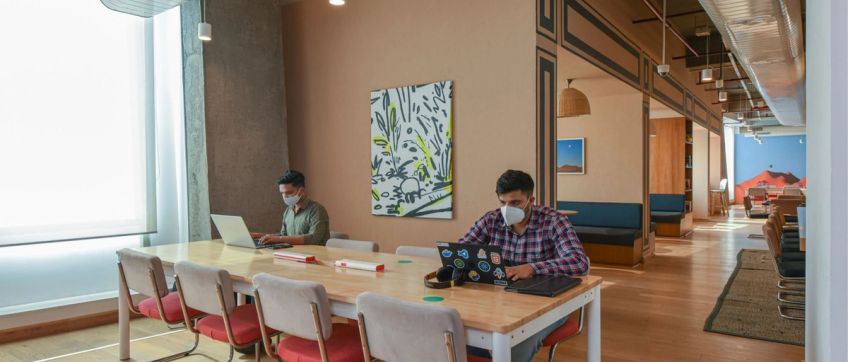
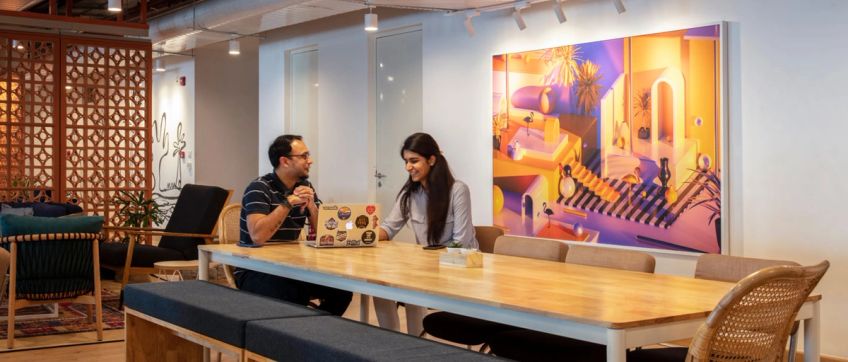
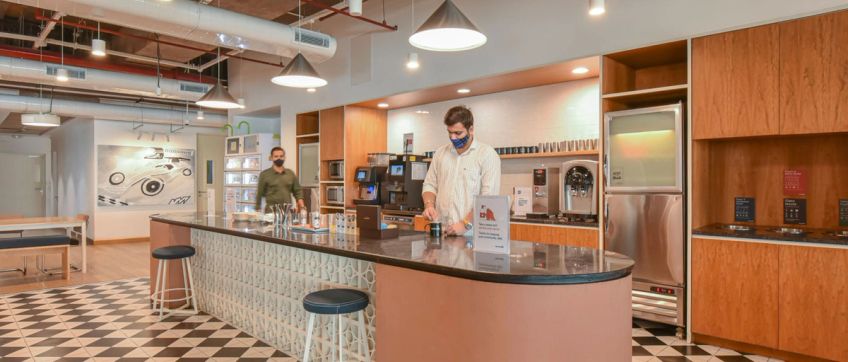
WeWork Berger Delhi One
Mon to Fri: 9AM to 8PM; Sat: 10AM to 4PM
Elevate your workday with a WeWork day pass
Collaborate at a coworking space in Noida for a day. Read moreRead less






Will I get my invoices through WeWork or through myHQ?
Since payments are processed via myHQ, invoices will be issued by myHQ. You will also receive a Day Pass Plus booking confirmation from WeWork with your workspace access details.
Who should I reach out to in case of any questions regarding my booking?
For questions related to bookings, payments or orders, you can reach the dedicated WeWork On-demand support team at contactwwod@myhq.in.
For on-site assistance related to your Day Pass Plus workspace, the Community team at your selected WeWork location will assist you.
Why am I receiving the WeWork On-demand bookings via myHQ?
WeWork has partnered with myHQ to power the technology and booking infrastructure for On-demand offerings including Day Pass Plus. While bookings are facilitated via myHQ, your Day Pass Plus experience — including workspace allocation and access — is delivered by WeWork.
Is my payment information safe when I'm redirected to the myHQ site?
Yes. Payments are processed via secure, industry-standard payment gateways. Your personal and financial information remains encrypted and protected throughout the transaction.
How do I sign up for a Day Pass Plus?
To book a Day Pass Plus:
- Select your preferred city and WeWork centre
- Choose your date
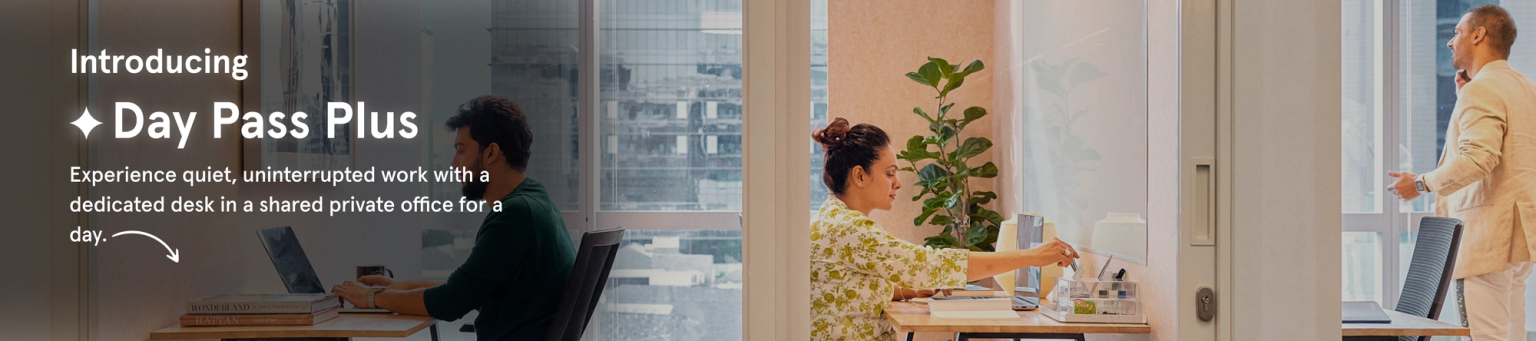
- Select Day Pass Plus to access a dedicated desk in a quiet workspace
- Complete checkout. You will receive a confirmation email with access details.
How do I access the On-demand workspace?
Upon arrival, check in with the WeWork Community team. You will be guided to your Day Pass Plus designated quiet workspace within a private office area. Please carry the required ID as mentioned in your confirmation email.
Can I bring guests?
Day Pass Plus provides an individual dedicated workspace in a quiet office environment. Guests are not permitted within Day Pass Plus seating areas. Guests are only allowed when booking conference rooms (subject to capacity).
How do I modify or cancel a booking?
Day Pass Plus bookings are non-refundable and cannot be cancelled once confirmed. However, rescheduling may be available before the booked date (up to 12 am of the booking day):
- Log into your account
- Go to My Account → Bookings
- Select booking → Reschedule
- Choose new date → Confirm
How do I get more privacy if needed?
Day Pass Plus already includes access to a quiet workspace within a private office environment for focused work. Additionally:
- Phone booths are available for private calls (subject to availability)
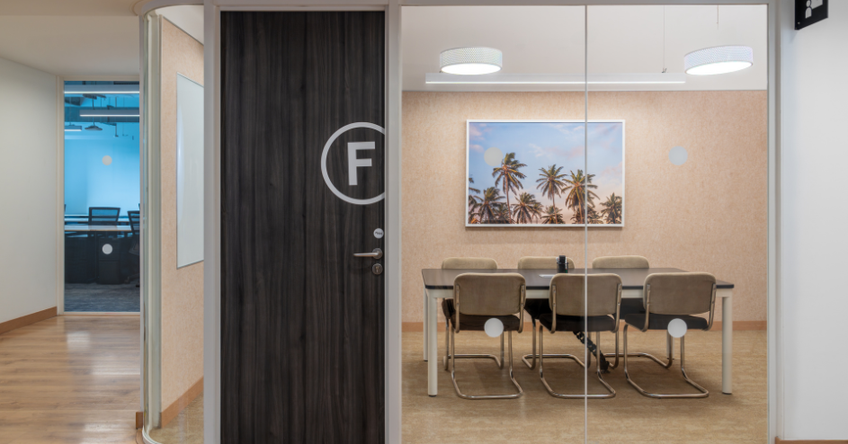
- Conference rooms can be booked separately for meetings
Are pets allowed?
WeWork locations may be pet-friendly; however, access policies differ by building and landlord restrictions. Please check with the specific WeWork centre before bringing pets into Day Pass Plus work areas.
What are the expiry terms for Day Pass Plus bundles (if applicable)?
If Day Pass Plus is offered as part of bundled On-demand packages:
- 5-day bundles: Valid for 30 days
- 10-day bundles: Valid for 60 days(Validity may vary by offering; please refer to product-specific terms at checkout.)
Quick links
Available workspaces in Noida